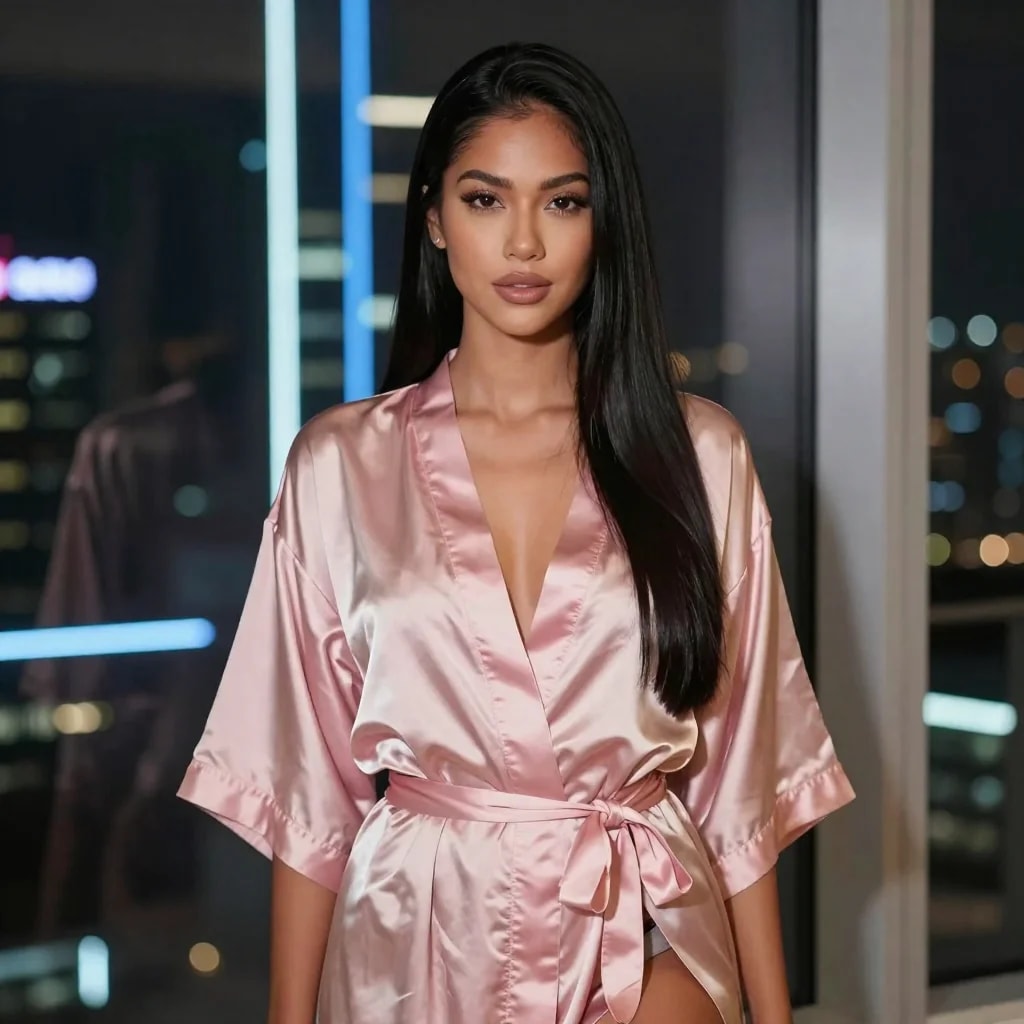
Satin robe
An outfit template. You upload a photo, and the result wears the look in the preview.
Undress AI templates
Skip the prompt. Pick a template, look at the preview, and upload one photo of an adult. FapWise applies that look.
Undress a photofapwise.vip · adults 18+ · upload a photo you have the right to use
 On this pageSee the looks
More previews
An outfit template. You upload a photo, and the result wears the look in the preview.
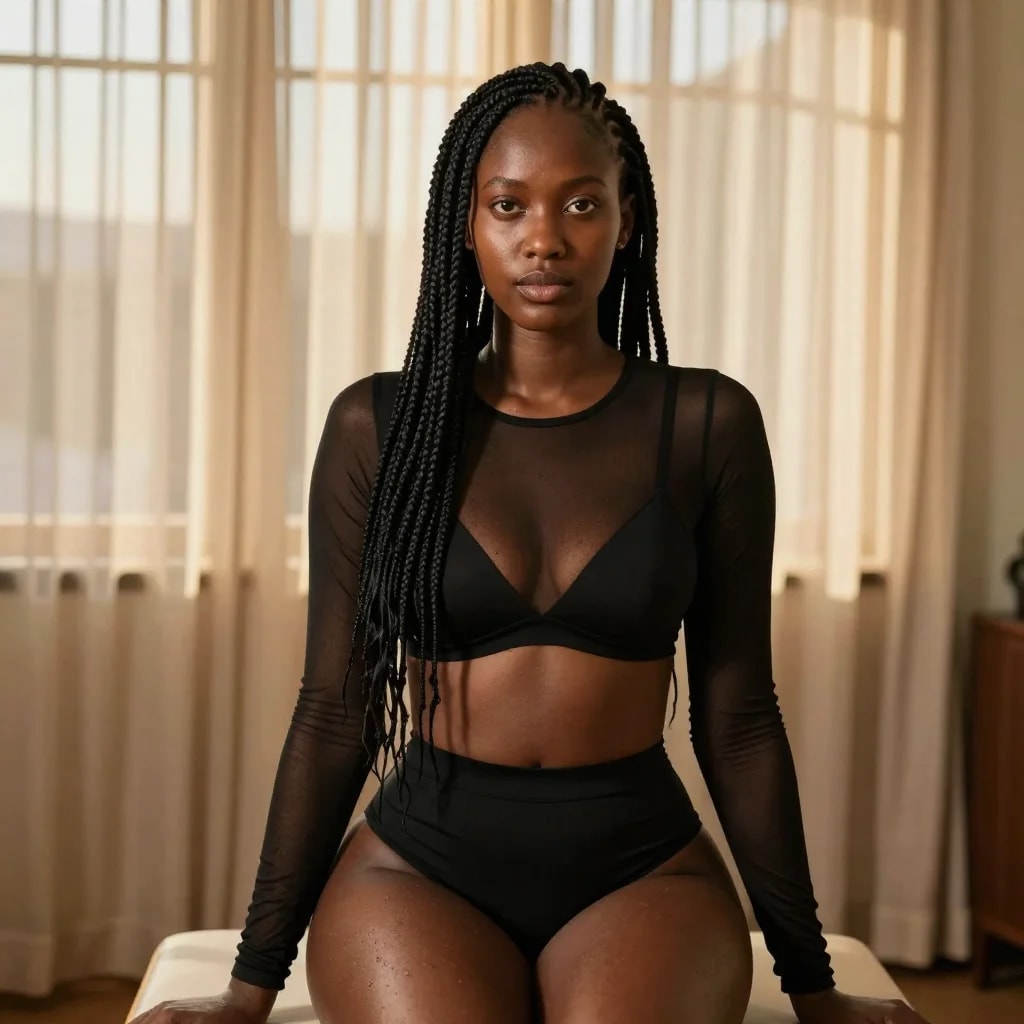
Same kind of job, another fabric. Sheer, lace, and robe templates are chosen by the picture on the card.
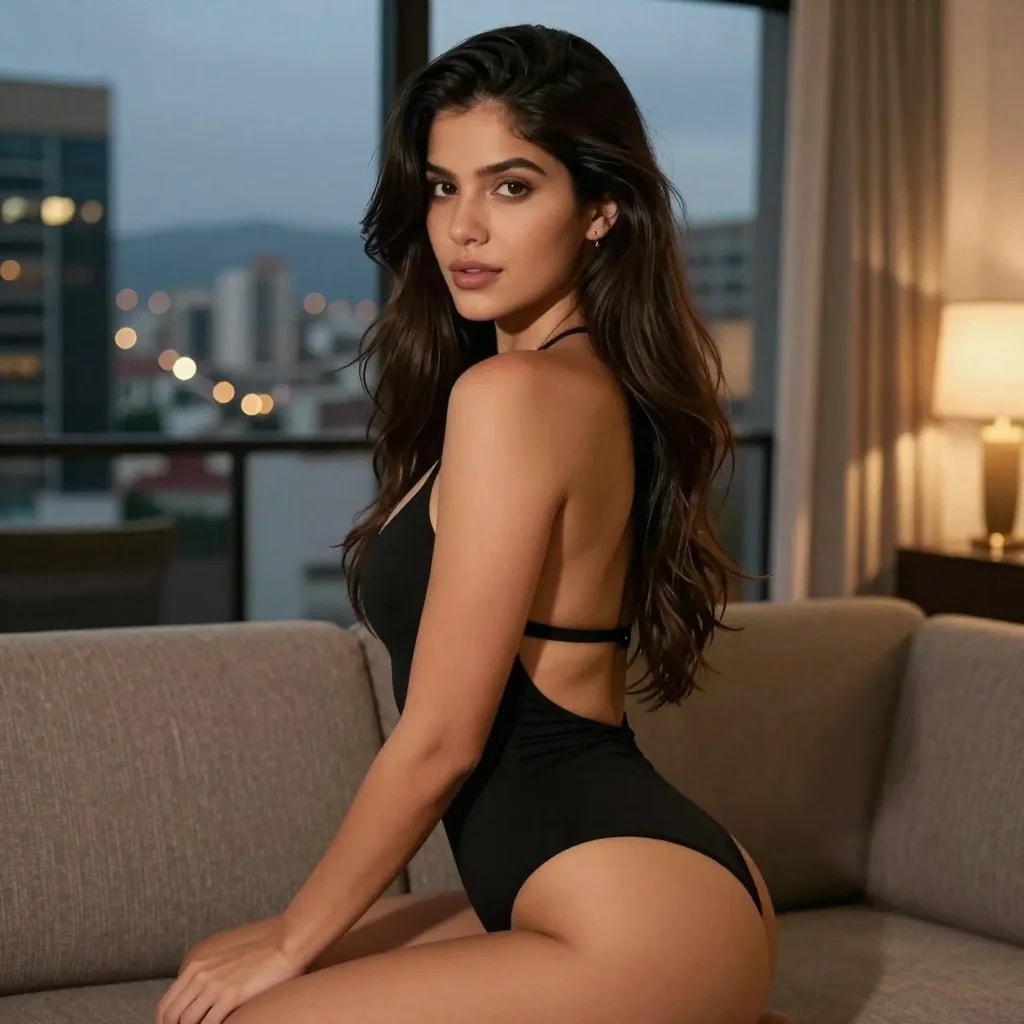
If this is the pose and the room you want, this is the template. Do not guess from the name alone.
One source photo and the result the template makes.
01 Original photo
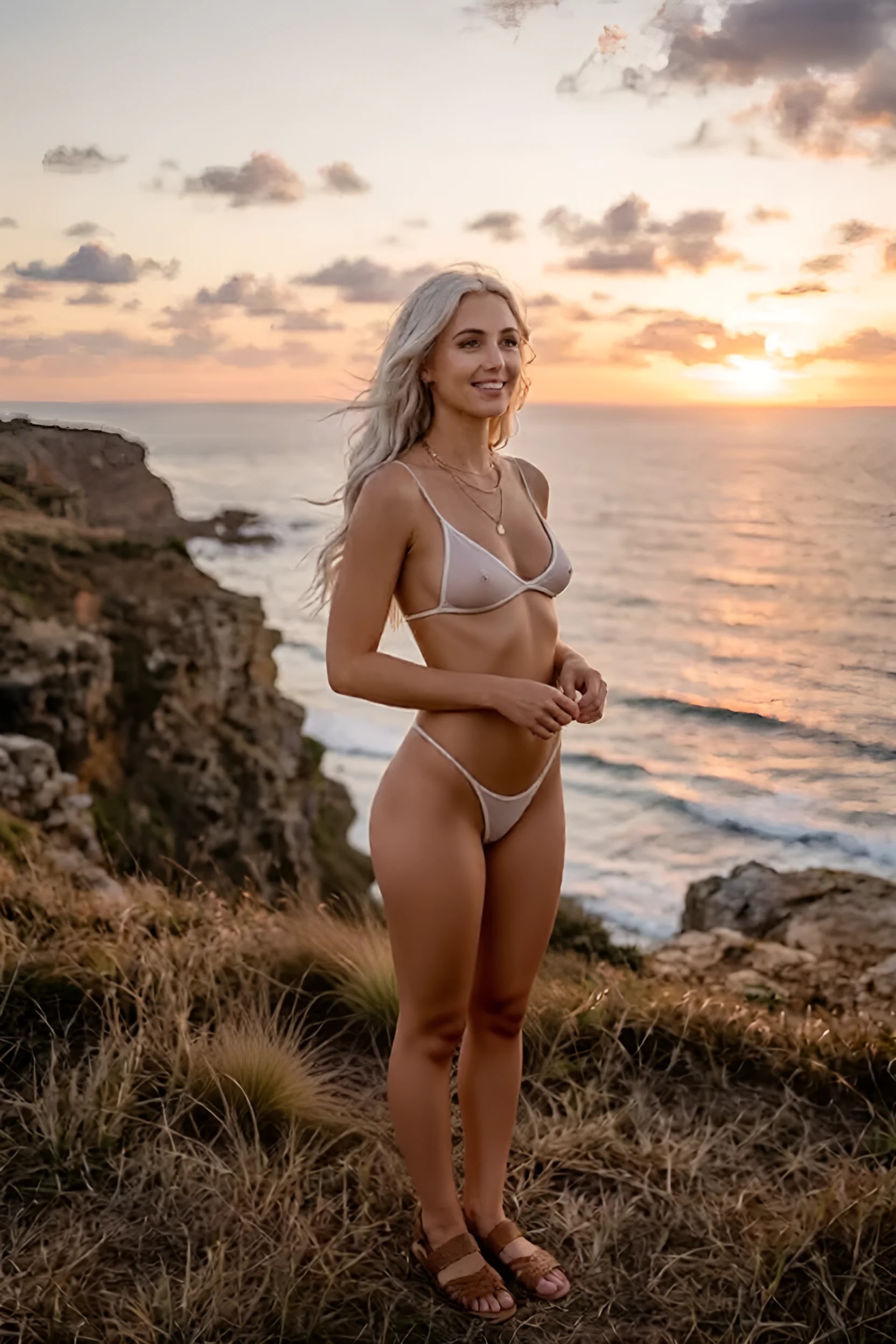
02 Generated result
Updated 12 November 2026
An undress AI template starts from a photo, not from a paragraph. You choose a card on FapWise, check the preview, and upload a picture of an adult you are allowed to use. The generator applies that preview.
People also call this a clothes remover, a deepnude-style tool, or photo to nude. The useful part is simpler: the preview shows the outfit or the nude result, and your photo supplies the person. If the preview is lingerie, you get lingerie. If the preview is nude, you get nude.
Use a template when you already have a photo. Write a prompt when you want a person who is not in a photo you own.
| Undress template | Text prompt | |
|---|---|---|
| Start with | A photo of an adult | A description |
| You control | The look on the card | The person, place, and shot |
| Also makes video | Yes, on a video template | Yes, with the prompt page set to video |
Undress and video both ask you to confirm that you are the subject or that you have consent. That check is there because a photo of someone else is not yours to undress. Credits are shown on the card and charged when the result is created.
How it works
On the home page, open Popular templates. Undress templates make a still. Video templates make a clip. The preview on the card is the result, so read it before you spend credits.
Use a clear photo of one adult. Before it runs, you confirm you are the subject or you have their consent. The picture stays in your gallery.
The card shows the credit cost before you start. The finished image or clip lands in your gallery. Publish it only if you want it public.
FAQ
A ready-made look on FapWise. You upload a photo of an adult, and the result follows the preview on the card. You do not write a prompt unless you want an image from text instead.
A sharp photo of one adult, with the subject large enough to see. You need the right to use it. The page asks you to confirm that before generating.
Yes. Video templates take a photo and play the motion from the preview. Text-to-video is separate: open the prompt page and switch to video.
No. Each preview is its own template. Compare the looks, then run the card that matches what you want on your photo.
Undress AI templates